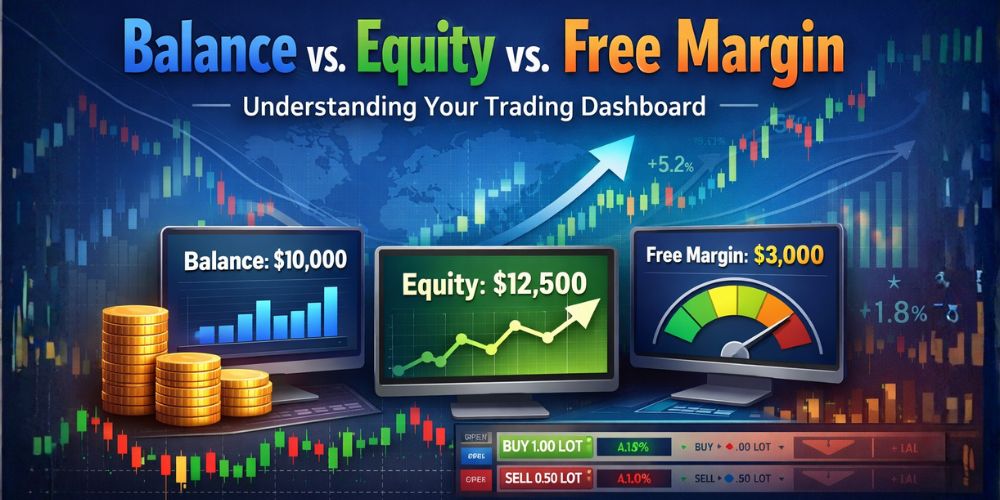
Balance vs. Equity vs. Free Margin: Understanding Your Trading Dashboard
Category: Trading Tools & Calculations / Platform Basics | Reading Time: 10 Minutes
Open your trading platform (Web Trader or App). Look at the bottom of the screen. You will see something like this:
| Balance | Equity | Margin | Free Margin | Margin Level (%) |
|---|---|---|---|---|
| $1,000.00 | $1,050.00 | $200.00 | $850.00 | 525% |
For a new trader, this is confusing.
- "Why is my Balance $1,000 but my Equity is higher?"
- "What is Free Margin? Is that free money?"
- "Why is the percentage moving?"
These 5 numbers tell you the complete health of your account. In this guide, we will decode each one, explain the math behind them, and reveal which one is the only number that matters.
1. Balance: The "Past"
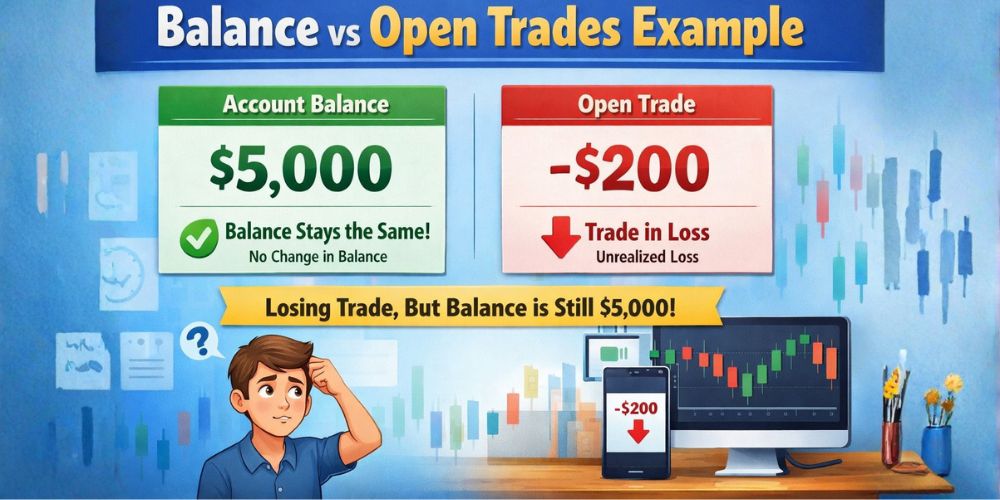
Definition: Your Balance is the amount of money in your account excluding any open trades.
Think of the Balance as your "Bank Statement." It only changes when:
- You deposit money. (See Deposit & Withdrawal)
- You withdraw money.
- You close a trade.
Crucial Point: If you have a trade open that is losing -$500, your Balance will still show $1,000. It is a historical record, not a live one. Do not look at your Balance to see how rich you are right now.
2. Equity: The "Present" (The Real Number)
Definition: Your Equity is the real-time value of your account if you closed all your trades right now.
Equity = Balance + Floating Profit/Loss
Example:
- Balance: $1,000
- Open Trade: You are winning +$50.
- Equity: $1,050.
If you are losing -$200 on a trade: Equity: $800.
The Lesson: Equity is your Real Money. If your Balance is $10,000 but your Equity is only $2,000 because of bad trades, you only have $2,000. Period.
3. Margin: The "Collateral"
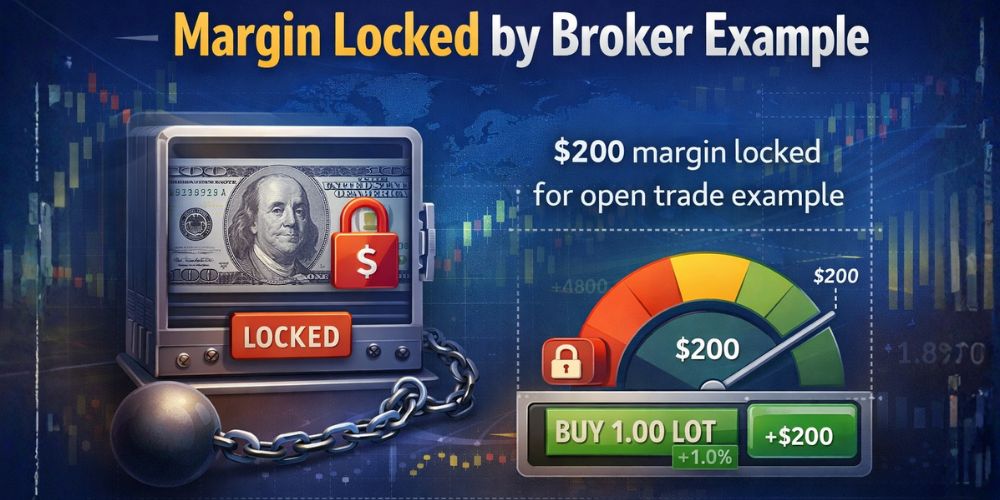
Definition: This is the money the broker has "locked" to keep your trades open. You cannot touch this money while the trade is active.
We discussed this in our Leverage Guide. The amount locked depends on your Leverage and Lot Size.
Example:
- You open a trade on EUR/USD.
- The broker requires $200 as a security deposit for this trade.
- Your "Used Margin" is now $200.
- This money is not gone; it is just "frozen." Once you close the trade, it returns to your Balance.
Use our Margin Calculator to see exactly how much margin a trade requires.
4. Free Margin: The "Spending Power"
Definition: This is the money you have left over to open new trades or to absorb losses.
Free Margin = Equity - Used Margin
Example:
- Equity: $1,050
- Used Margin: $200 (Locked)
- Free Margin: $850
Think of this as your "Available Credit."
- If this number hits $0.00, you cannot open any more trades.
- If this number goes negative, you are in big trouble (Margin Call). Check our FAQ for help.
5. Margin Level (%): The "Health Bar"
This is the most critical number on the dashboard. It is a ratio that tells you how safe your account is.
Margin Level = (Equity ÷ Used Margin) x 100
Think of it like a Video Game Health Bar.
- Above 500%: 🟢Healthy. You have plenty of free space.
- 100% - 200%: 🟢 Warning. You are using too much of your account. Be careful. See Trading Conditions.
- 100%: 🟢 Danger Zone. Your Free Margin is zero. You cannot open new trades.
- Below 50%: ☠ Stop Out. The broker will automatically close your trades to prevent debt.
A Real-World Scenario: Watching the Crash
Let’s watch what happens to these numbers when a trade goes bad on a Standard Account.
- Account: $1,000 Balance.
- Trade: You Buy EUR/USD (Standard Lot).
- Margin Required: $200.
Stage 1: The Trade Starts (Neutral)
Balance: $1,000 | Equity: $1,000 | Margin: $200 | Free Margin: $800 | Margin Level: 500% (($1,000 ÷ $200) x 100) | Status: Safe.
Stage 2: The Trade Loses -$400
Balance: $1,000 (Remember, this doesn't change!) | Equity: $600 ($1,000 - $400) | Margin: $200 | Free Margin: $400 ($600 - $200) | Margin Level: 300% (($600 ÷ $200) x 100) | Status: Warning. You are losing money, but you are still safe.
Stage 3: The Crash (Loss hits -$800)
Balance: $1,000 | Equity: $200 ($1,000 - $800) | Margin: $200 | Free Margin: $0.00 | Margin Level: 100% | Status: Critical. At this exact moment, you have Zero Free Margin. If the market moves against you by even 1 cent, you will drop below 100%.
Stage 4: The Stop Out (Loss hits -$900)
Equity: $100 | Margin Level: 50% | Status: Dead. The broker’s system triggers a Stop Out. It forcibly closes your trade. Final Result: Your trade is closed. Your Balance updates to reflect the loss. You are left with $100.
How to Avoid the Red Zone
The "Margin Level" is your early warning system. Professional traders rarely let their margin level drop below 500%.
1. Don't Over-Leverage
If you open a huge trade (e.g., 5 Lots on a small account), your "Used Margin" will be huge. This brings your Margin Level down immediately. Review our Risk Disclosure.
2. Use a Stop Loss
A Stop Loss ensures your "Floating Loss" never gets big enough to drag your Equity down to the danger zone. See Market Order vs Limit Order guide.
3. Deposit More Funds
If you are in a bad trade but you are 100% sure it will turn around, you can deposit more cash. This increases your Balance -> Increases Equity -> Increases Margin Level. Warning: This is risky (called "throwing good money after bad"). Only do this if you are experienced. Contact Support for assistance.
Conclusion: Watch the Equity, Not the Balance
The biggest mistake beginners make is staring at the "Balance" and feeling rich. Balance is a vanity metric. Equity is reality. Margin Level is safety.
Next time you open a trade on your Desktop Platform or Mobile App, ignore the profit number for a second and look at the Margin Level %. If it is below 300%, you are driving too fast. Slow down, reduce your lot size, and stay safe. For more terms, visit our Trading Glossary.
Go to your Demo Account. Open 5 random trades. Watch what happens to your Margin Level. Does it go up or down? Understanding this relationship is key to survival. Check Why Choose Us to learn more about our trading environment.